Strom Labs
EN
Get the app

NewVersion 1.5 is live on Google Play

Two accounts.
One phone.

Run a second copy of WhatsApp, Instagram, games and more, each with its own login. Everything stays in a private space on your phone. Free, no root.

  • Data stays on your phone
  • No root needed
  • Android 8.0+
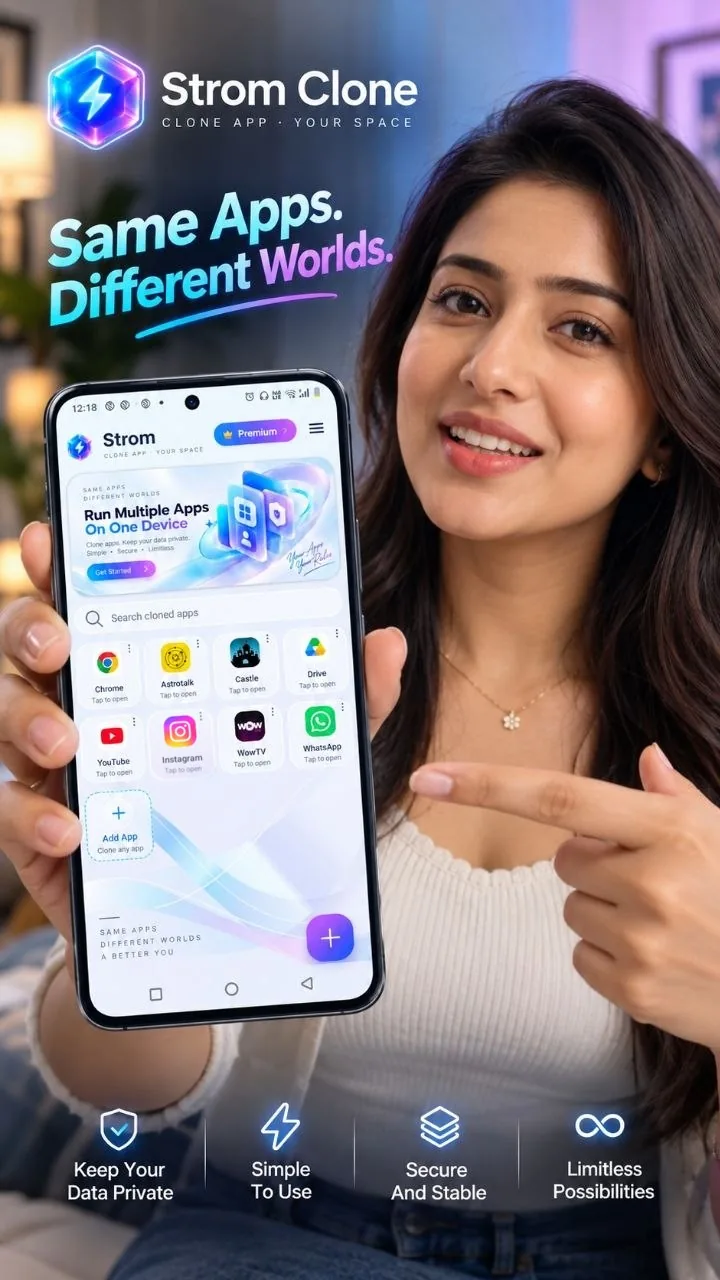
Strom Clone on a phone: same apps, different worlds

Same apps. Different worlds.

Every account you need, on the phone you already have.

One WhatsApp for family, one for work. A second Instagram, a fresh game account. Strom keeps each copy in its own space, so nothing mixes and nobody gets logged out.

  • PrivateClone data stays on your phone.
  • SimplePick an app, tap Clone, sign in.
  • StableFixed and updated through Google Play.
  • No limits in PremiumFree gives you 15 clones.
Get it on Google Play

Welcome to Strom Clone.

How it works

A clone in three taps.

Strom copies an app that is already on your phone and runs it on its own, with separate storage. Your original app is never touched.

01

Pick an app

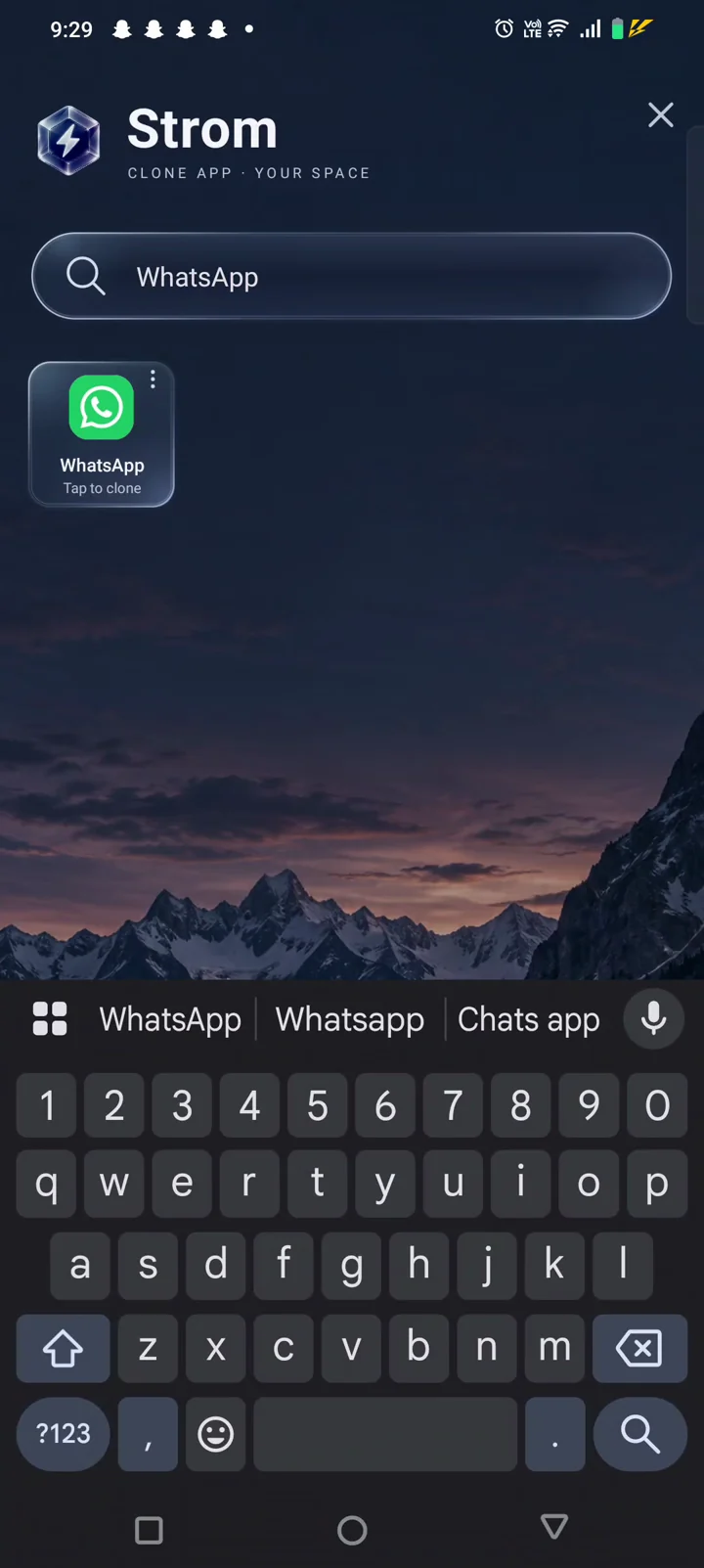
Tap + and choose any app from your phone. Search to find it fast.

02

Tap Clone

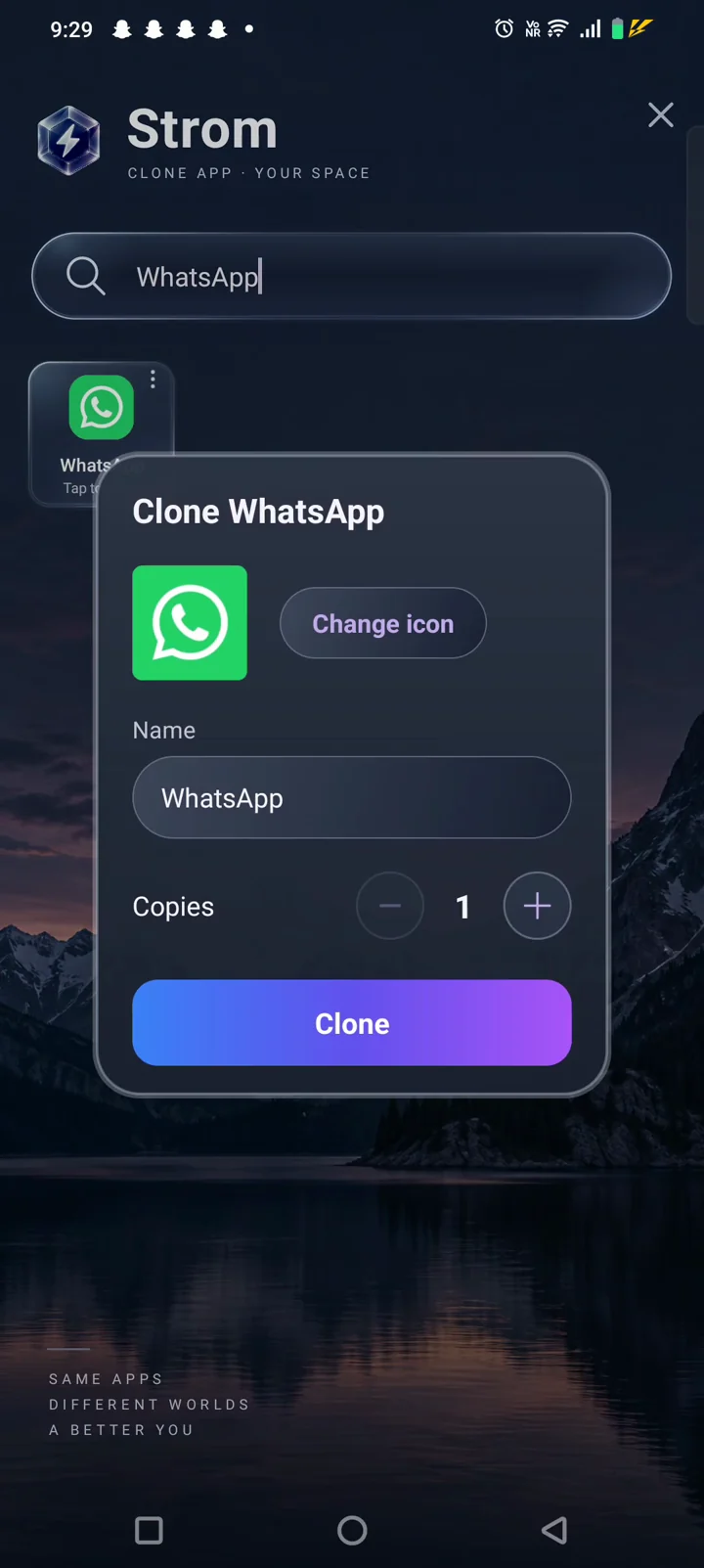
Give it a name and an icon if you like. Make one copy or several.

03

Sign in again

Open the copy from Strom and log in with your other account. Both stay signed in.

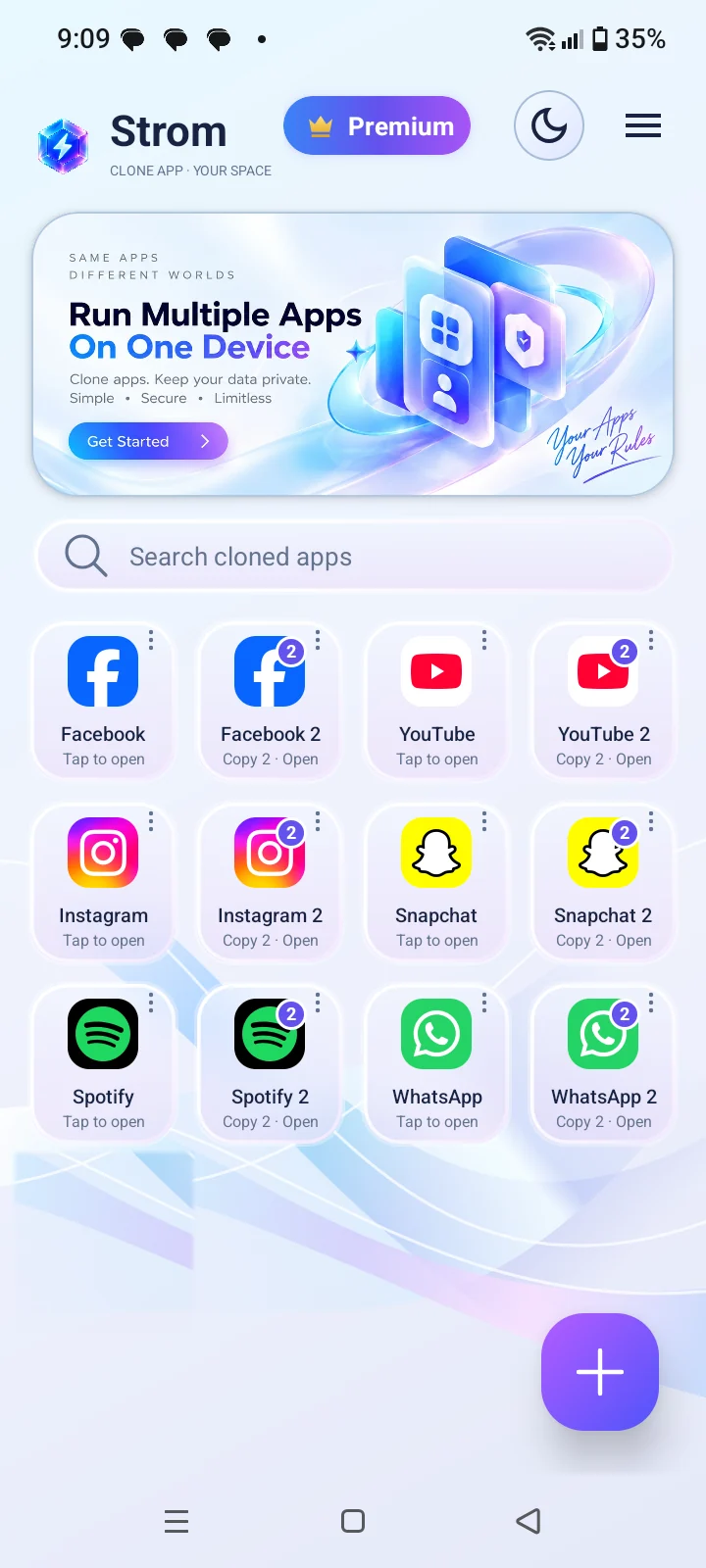
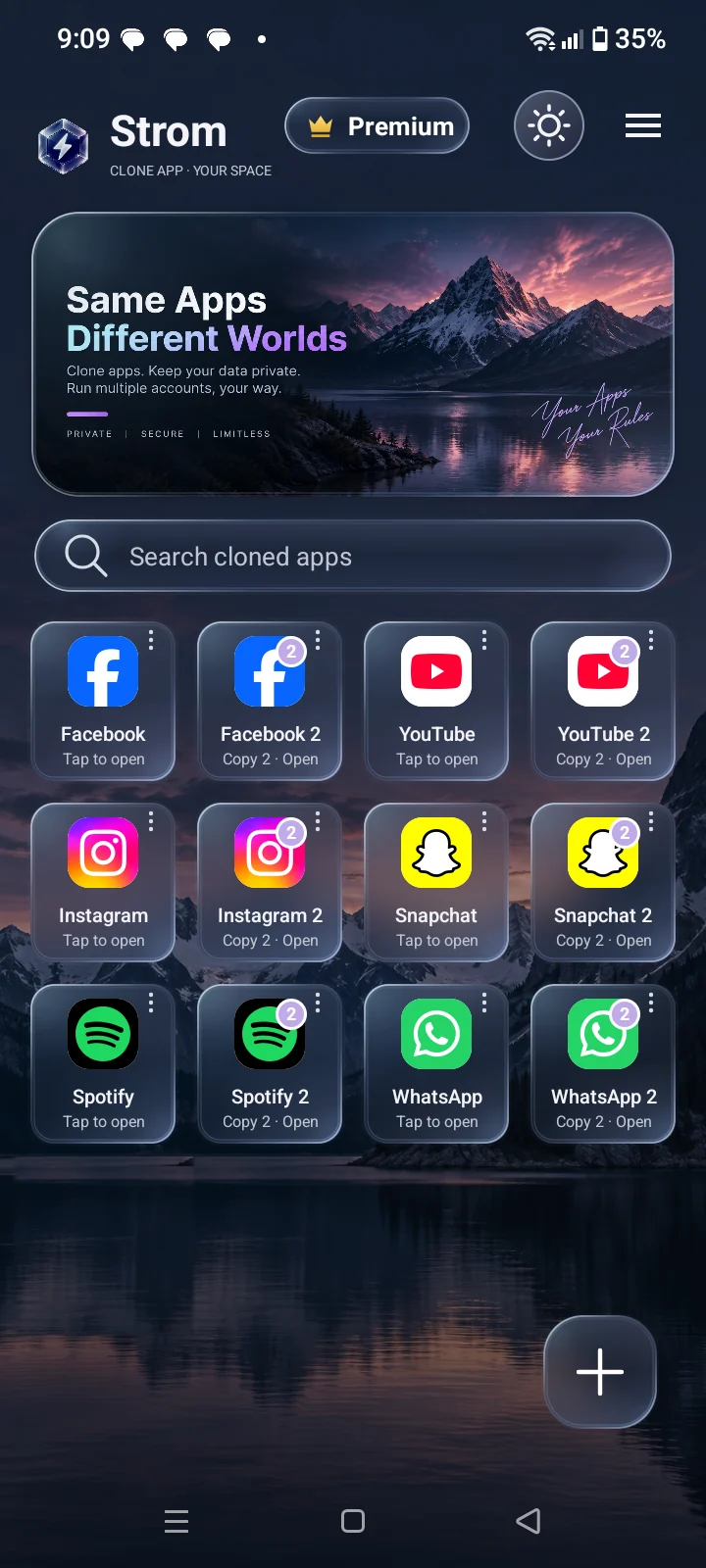
Strom home screen with two copies of Facebook, YouTube, Instagram, Snapchat, Spotify and WhatsApp

Multiple accounts

Work and personal, side by side.

Keep a second WhatsApp for business, a separate Instagram, or a fresh game account, without logging out of the first.

  • More than one copy. Clone the same app again for a third or fourth account.
  • Separate data. Every copy has its own chats, files and settings.
  • Notifications. Each copy notifies you like a normal app.
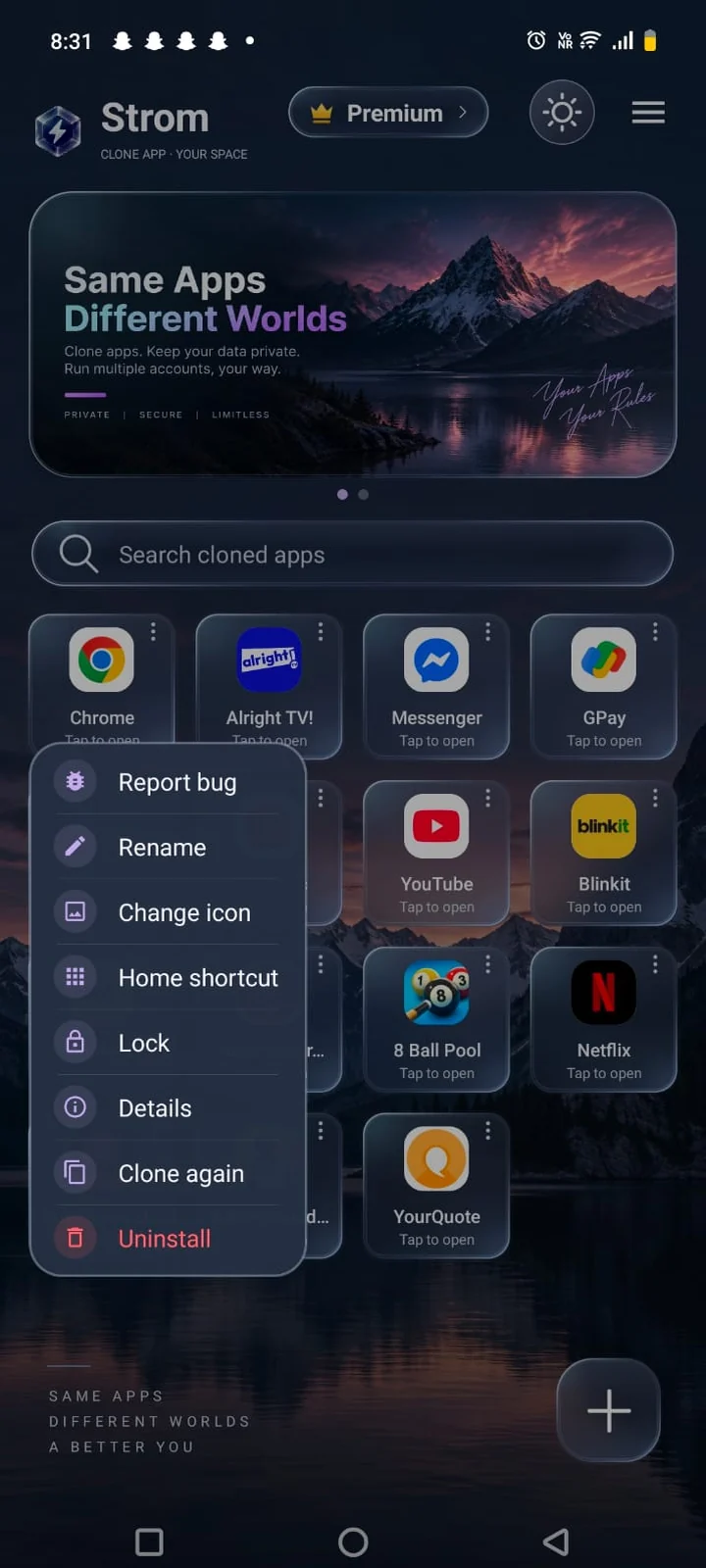
Clone options menu: rename, change icon, home shortcut, lock, clone again

Make it yours

Tell your copies apart at a glance.

Long-press any clone to change how it looks and where it lives.

  • Rename and change icon. Use your own photo or label for each copy.
  • Home screen shortcut. Open a clone straight from your launcher.
  • Light and dark. Strom follows your style, with custom themes in Premium.
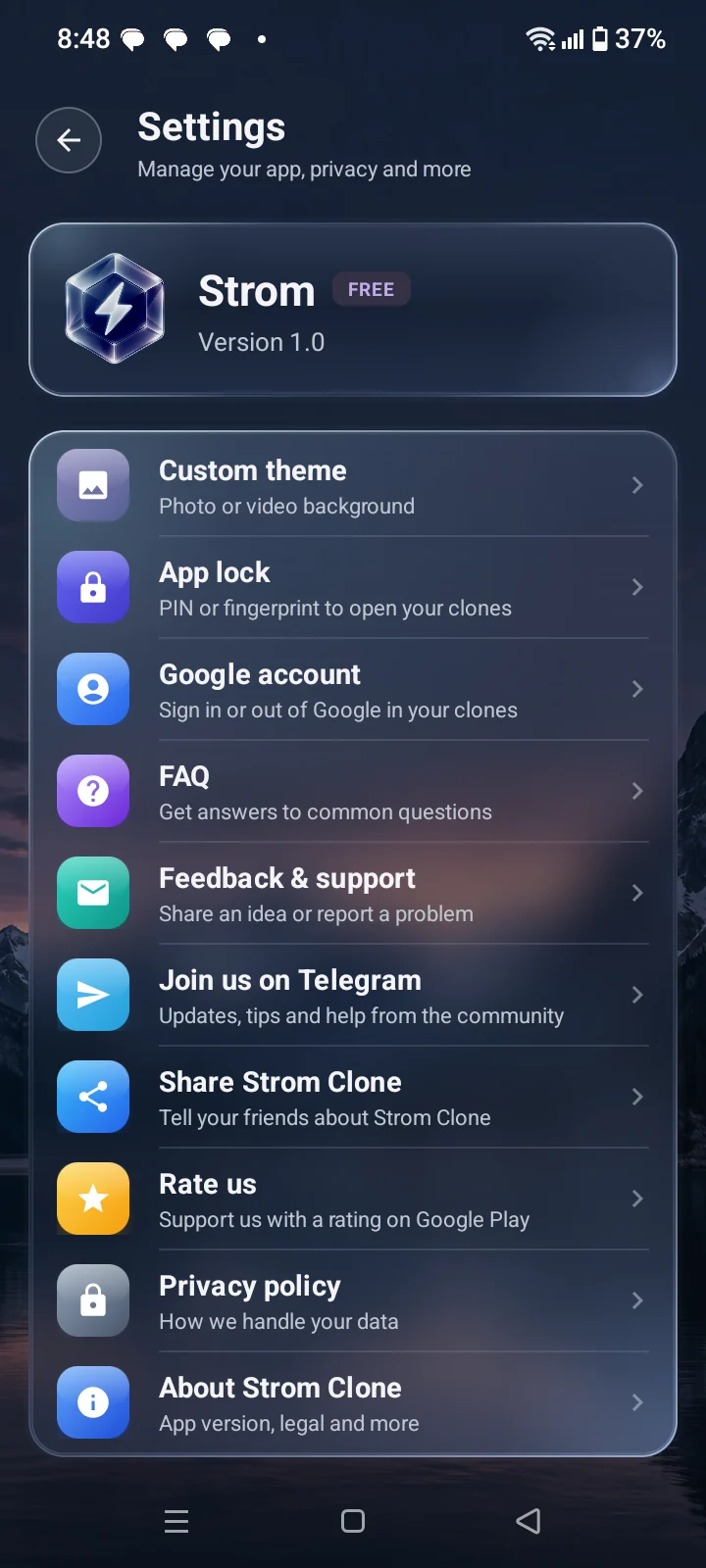
Strom settings: custom theme, app lock, Google account, feedback and privacy

Private by design

Your clones are nobody else's business.

Strom has no account system of its own and does not upload what you do inside a clone.

  • App lock. Protect clones with a PIN or your fingerprint.
  • On-device storage. Clone data lives in Strom's private storage and is deleted when you remove the clone.
  • Google sign-in. Sign in to Google inside a clone, separately from your phone's main account.

At a glance

Simple, and honest about it.

Price
Free
Clones in the free version
Up to 15
Strom Premium
No ads, no limit, custom themes
Works on
Android 8.0 and later
Root
Not needed
Your data
Stays on your phone
Support
Email & Telegram
Made by
Strom Labs

Good to know

Some apps check that they are installed the normal way and won't run as a copy, many banking and UPI apps among them. For those, Strom can set up an Android work profile and add a real second install from Google Play. Games with strict anti-cheat may also refuse to run in a clone.

FAQ

Questions people ask.

Is Strom Clone free?

Yes. Strom Clone is free on Google Play and lets you make up to 15 clones, with ads. Strom Premium removes ads, removes the clone limit and unlocks custom themes.

What is a dual app or virtual space app?

A dual app (or virtual space) app runs a second copy of an app that is already on your phone. The copy has its own storage and its own login, so you can use two accounts of the same app side by side. Strom Clone does this without root.

How do I use two WhatsApp accounts on one phone?

Install Strom Clone, tap +, choose WhatsApp and tap Clone. Open the copy from Strom and register it with your second phone number. Your original WhatsApp keeps working as before.

Does Strom Clone need root?

No. It works on normal Android phones running Android 8.0 or later, with no root and no special setup.

Can Strom read the data of my cloned apps?

No. Each clone keeps its files, settings and login in Strom's private storage on your phone. Strom does not read or upload that data, and uninstalling a clone deletes it. Read the privacy policy for details.

Why does Strom ask for so many permissions?

Cloned apps run inside Strom, so Android sees Strom as the app asking. Camera, microphone, contacts and the rest are passed on to the clone you are using, and Android asks you first. Strom itself does not use them to collect anything.

Why won't some apps run as a clone?

Some apps, such as many banking and UPI apps, check that they are installed normally and refuse to run as a copy. For those, Strom can set up an Android work profile and add a real second install from Google Play.

How do I remove everything?

Long-press a clone and tap Uninstall to delete that clone and its data. Uninstalling Strom deletes all of its data from your phone.

Strom Clone

Your second account is one tap away.

Get it on Google Play